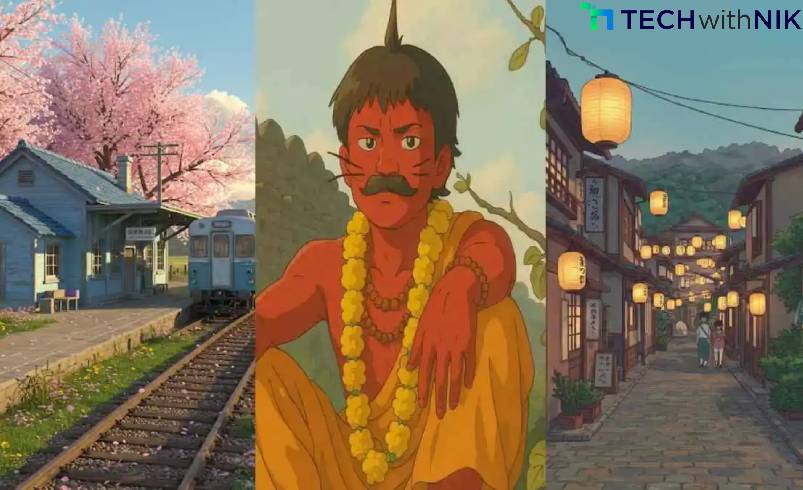
Studio Ghibli’s iconic animation style, known for its hand-drawn feel and magical details, has captivated audiences worldwide. But what if you could generate stunning Ghibli-style artwork for free using AI? Thanks to ChatGPT and AI-powered tools, you can now create beautiful illustrations effortlessly. Here’s a step-by-step guide to getting free Studio Ghibli-style AI artwork.
Step 1: Use ChatGPT to Generate Image Prompts
Before creating AI artwork, you need the right prompt. ChatGPT can help you craft highly detailed descriptions for AI art generators. Try using the following prompt format:
“Create a Studio Ghibli-style illustration of a peaceful village with cherry blossom trees, a small river, and a friendly cat sitting on a rooftop. The sky is warm and golden, giving a dreamy, magical feel.”
This prompt ensures the AI understands the desired aesthetic. You can customize it with specific details like lighting, characters, or fantasy elements.
Step 2: Choose a Free AI Art Generator
Several AI tools can generate Ghibli-style images for free. Here are some of the best options:
- Leonardo.AI – Free AI art tool with customizable styles.
- Stable Diffusion – Open-source AI that supports Ghibli-style models.
- Deep Dream Generator – Ideal for transforming images into animated styles.
- Dream by Wombo – A mobile-friendly AI art generator.
Sign up for any of these platforms and input the prompt generated by ChatGPT.
Step 3: Fine-Tune and Enhance the Image
After generating your artwork, you can refine it further:
- Use Canva or GIMP to enhance colors and contrast.
- Apply Upscale.media to improve image resolution.
- Adjust details with Runway ML for a more hand-drawn effect.
Step 4: Save and Share Your AI Artwork
Once satisfied, download the final image. You can use it for wallpapers, social media posts, or even custom prints!
Final Thoughts
Creating Studio Ghibli-style AI artwork is now easier than ever with ChatGPT and AI art tools. By generating detailed prompts and using free platforms, you can bring your artistic visions to life effortlessly. Try it today and explore the magic of AI-powered creativity!