A Beginner’s Guide to Setting Up Smart Home Devices
- April 23, 2025
- 0
Welcome to TechwithNik, your go-to tech blog in India for the latest technology how-to guides and updates. If you’re curious about smart homes but unsure where to start,

Welcome to TechwithNik, your go-to tech blog in India for the latest technology how-to guides and updates. If you’re curious about smart homes but unsure where to start,
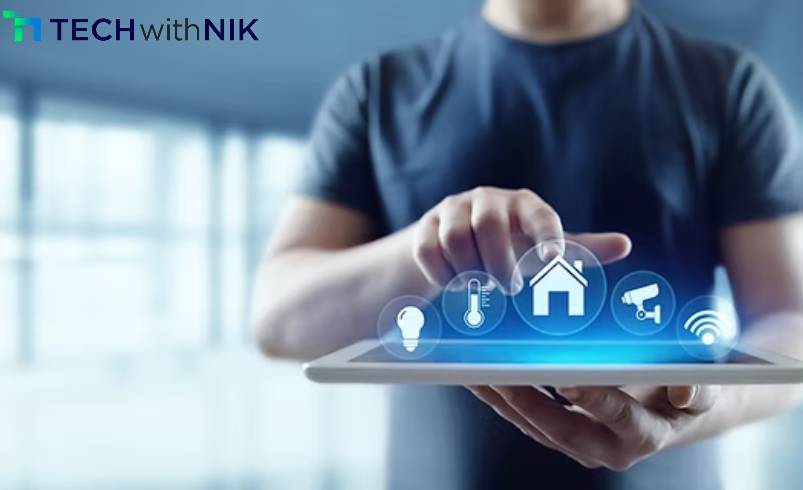
Welcome to TechwithNik, your go-to tech blog in India for the latest technology how-to guides and updates. If you’re curious about smart homes but unsure where to start, you’re in the right place. This beginner-friendly guide will walk you through everything you need to know to set up your smart home with ease—no tech degree required.
Smart home technology is no longer a futuristic concept—it’s here, and it’s making everyday life more convenient, secure, and energy-efficient. From smart bulbs that adjust brightness automatically to doorbells that notify you when someone’s at the door, these devices can truly upgrade your lifestyle.
At TechwithNik, we simplify complex technology guides so everyone—from first-time users to tech enthusiasts—can understand and apply them.
Setting up your smart home doesn’t need to be overwhelming. Follow this step-by-step process to get started quickly.
Your smart ecosystem is the backbone of your setup. Choose one that works best with your current devices:
Each of these supports a wide range of compatible devices.
Begin with easy-to-install devices such as:
These require minimal setup and offer maximum impact. Use their official apps (like Alexa, Google Home, or Apple Home) to connect them to your Wi-Fi network.
Once connected, automate daily tasks:
Check device performance, update firmware regularly, and gradually add more devices—like smart thermostats, video doorbells, or motion sensors.
At TechwithNik, we believe in delivering practical technology how-to guides that help users make smart decisions. Here are a few expert tips:
Smart homes are no longer a luxury—they’re a practical upgrade for every household. With the right guidance, anyone can build a connected living space. That’s where TechwithNik steps in: we provide trusted technology guides that are easy to follow and packed with real value.
Looking for more smart device tips, product reviews, and technology how-to guides? Bookmark TechwithNik, your reliable tech blog in India, and stay updated with the future of living.