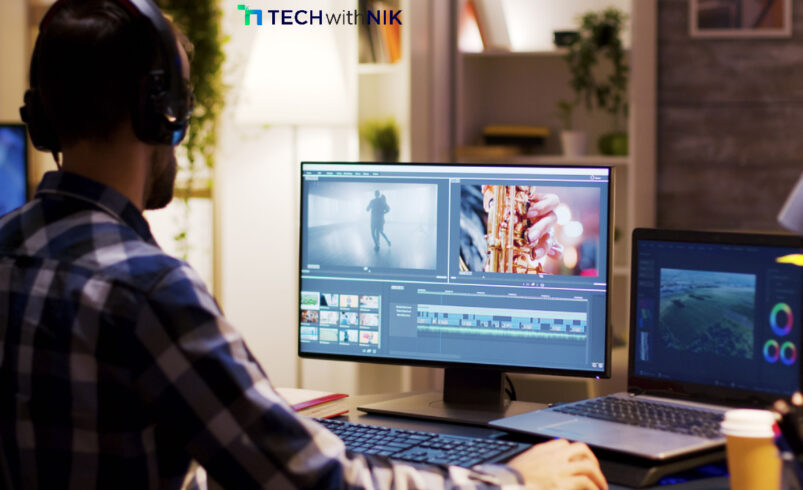
Whether you’re an aspiring content creator, a social media enthusiast, or simply someone who loves editing videos, having a reliable and free video editor for PC is essential. Fortunately, there are many lightweight yet powerful video editing tools available that offer impressive features without costing a dime. In this blog, we explore the top 10 free video editors for PC that provide professional-level editing capabilities without the hefty price tag.
1. DaVinci Resolve
A top-tier free video editor, DaVinci Resolve offers powerful features like advanced color correction, multi-cam editing, and motion graphics. It’s perfect for professionals and beginners looking for Hollywood-style editing.
2. HitFilm Express
Ideal for beginners and advanced users alike, HitFilm Express provides a range of visual effects, transitions, and editing tools. It also offers an intuitive interface and tutorials for easy learning.
3. Shotcut
Shotcut is an open-source, cross-platform video editor with support for multiple formats, 4K editing, and advanced filters. Its customizable interface makes it a favorite among users.
4. OpenShot
A simple yet powerful video editor, OpenShot is great for beginners. It features drag-and-drop functionality, unlimited layers, and a variety of effects and animations.
5. VSDC Free Video Editor
VSDC is a feature-rich, non-linear video editor with support for various file formats. It includes color correction tools, audio editing, and a built-in screen recorder.
6. Lightworks Free
Used by professionals in the film industry, Lightworks Free offers advanced editing features, real-time effects, and multi-track editing. However, it has limited export options in the free version.
7. Kdenlive
A great open-source alternative, Kdenlive is a Linux-friendly video editor that also runs on Windows. It supports multi-track editing, effects, and customizable layouts.
8. Blender
Although primarily known for 3D modeling, Blender has a built-in video editor with basic cutting, splicing, and audio mixing tools, making it ideal for simple edits.
9. Avid Media Composer First
Avid’s free version of its professional editing software includes multi-cam editing, color grading, and pro-level trimming tools, making it a solid choice for serious editors.
10. VideoPad
A user-friendly video editor, VideoPad is best for beginners. It features drag-and-drop editing, transitions, and direct export to YouTube and social media platforms.
Conclusion
These top 10 free video editors for PC offer a wide range of features suited for both beginners and professionals. Whether you need advanced editing tools or a simple, user-friendly interface, there’s an option for you. Try them out and start creating stunning videos today!