Why Is My Phone Using So Much Data? 10 Causes You Didn’t Notice
- November 24, 2025
- 0
Have you ever wondered “Mera phone itna data kyu consume karta hai?” — even when you’re barely using it? You recharge with 1.5GB or even 2GB packs, and

Have you ever wondered “Mera phone itna data kyu consume karta hai?” — even when you’re barely using it? You recharge with 1.5GB or even 2GB packs, and
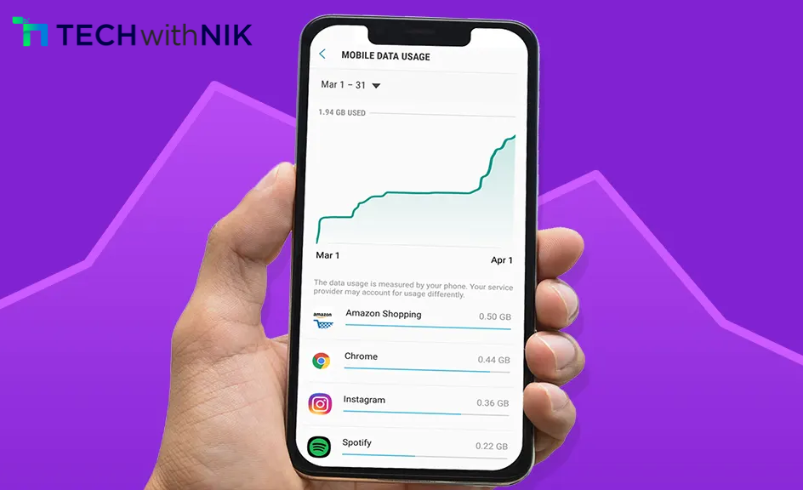
Have you ever wondered “Mera phone itna data kyu consume karta hai?” — even when you’re barely using it? You recharge with 1.5GB or even 2GB packs, and somehow the data still disappears halfway through the day. This frustrating problem is more common in 2025, especially as apps have become more data-hungry and smartphones constantly stay connected in the background.
Many users think it’s a network issue. But the truth is, your phone might be consuming data silently through hidden processes, automatic sync, system updates, and even AI-based features. In this guide, we break down 10 unseen reasons your phone is using so much data — and how you can fix them instantly.
Most apps update even when you’re not using them. This can drain 300–800MB per day depending on usage.
What is it?
Apps automatically fetch new content in the background.
Why it matters
According to a 2024 Data.ai report, apps run 40–60% of processes in the background on average — a major source of silent data drain.
Turn off background data for apps you don’t use daily.
Short-form videos consume the most data today.
How it affects you
A single hour of auto-play Reels can consume 700MB–1.2GB, depending on quality.
Fix:
Disable auto-play and set video playback to “Data Saver Mode.”
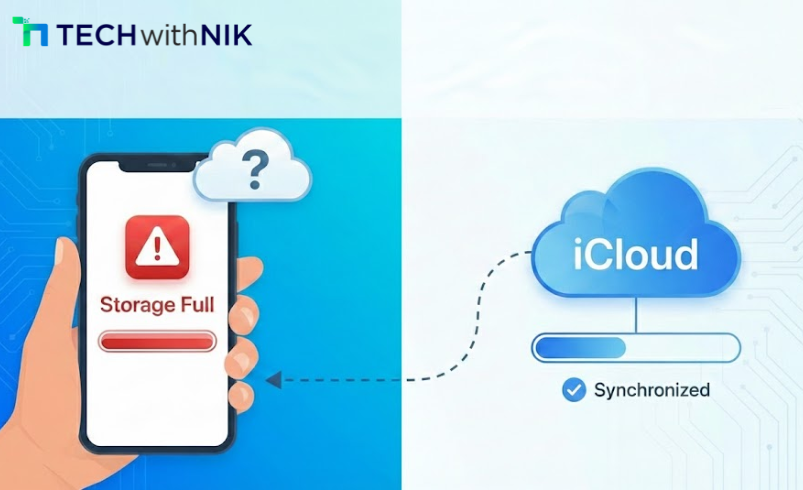
Google Photos, iCloud, and WhatsApp backups use massive upload data.
Expert Insight
“Most users underestimate upload usage — but AI-enhanced backups can sync hundreds of photos quietly.” — Rahul Menon, Mobile Data Analyst (2025)
Enable “Back up only on Wi-Fi.”
Automatic updates often run during mobile data usage.
Data Insight (2025):
PwC’s 2025 Mobile Economy Report shows app sizes increased by 35% due to AI features.
Fix:
Set Play Store/App Store to “Wi-Fi only updates.”
Netflix, Hotstar, YouTube often switch to high-resolution automatically.
Why it’s happening
AI-based quality optimization pushes HD to keep you engaged.
Fix:
Lock streaming quality to 360p–480p when on mobile data.
System apps such as Android Services, Apple Analytics, device-finder networks, and AI engine modules consume data silently.
What they do
Fix:
Turn off analytics sharing and disable unnecessary system permissions.
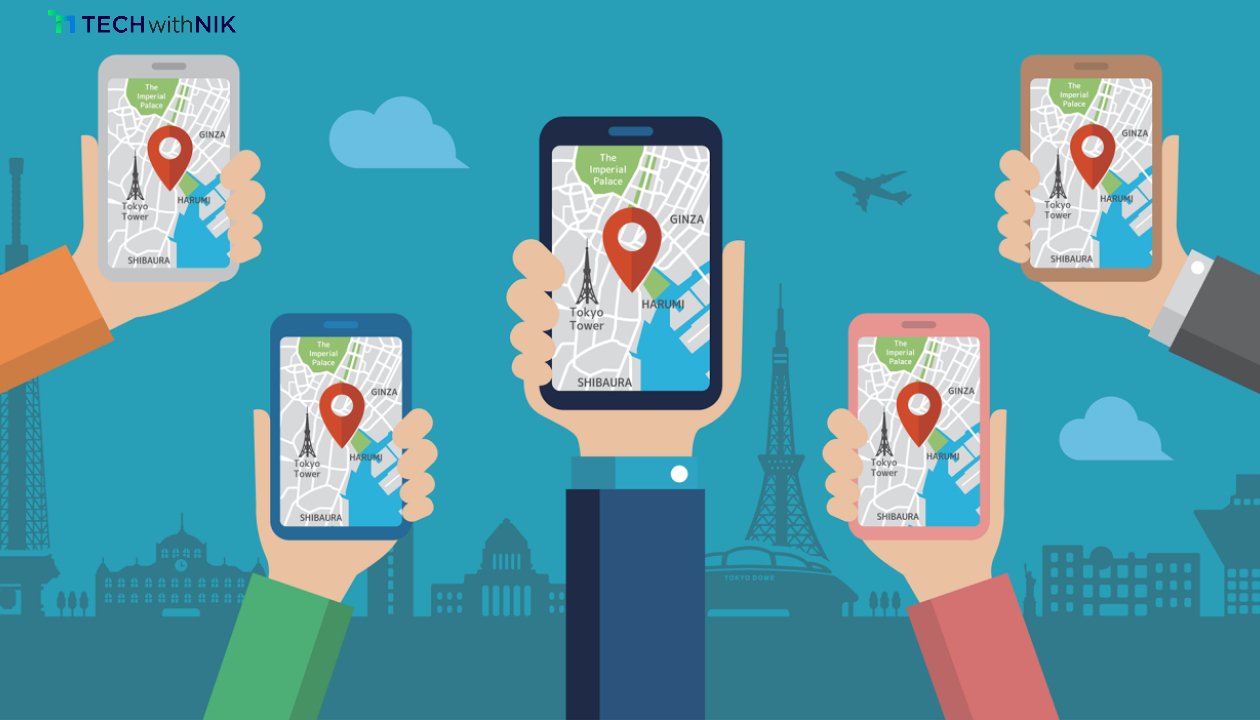
Apps like Swiggy, Maps, Uber, Zomato, Ola continuously track your location.
How it consumes data
Live GPS + map refresh can use 100–150MB per hour.
Fix:
Switch to “Allow only while using the app.”
Your phone’s AI (Google, Siri, Samsung, etc.) continuously refreshes feeds and learns your patterns.
Why it’s increasing in 2025
AI models require fresh data to personalize search, news, and recommendations.
Fix:
Turn off “Personalized recommendations” or “AI content refresh.”
Many free VPNs and unverified apps secretly send data in the background.
2024 Trend
CyberEdge’s 2024 Security Report found 22% mobile users unknowingly had data-sending adware.
Fix:
Uninstall suspicious apps and avoid free VPNs.
Your hotspot may be on without you noticing, especially after a reboot.
Impact
Laptops and TVs consume data 10–20x faster than phones.
Fix:
Turn off hotspot visibility and add a strong password.
Use these quick fixes:
Your phone isn’t “eating” data — it’s silently performing dozens of tasks that you never see. With apps becoming smarter and AI-powered features running 24/7, high data consumption in 2025 is completely normal. But now that you know the hidden causes, you can take control and cut data usage instantly.
If you want more tech guides, mobile tips, and AI updates, follow TechwithNik for daily insights.
Because apps run background refresh, system sync, and auto-updates without your awareness.
Social media (Instagram, YouTube, Facebook) and short-form video apps typically use the most.
Go to Settings → Mobile Data → Disable “Background Data” for selected apps.
Because auto-play + HD default settings consume up to 1GB per hour.
Yes. Many adware and spyware apps send data silently to servers.